How to Sync Songs from iTunes to iPhone
In some cases, you may need to transfer music from iPhone to Tunes as a backup. While in some other cases, you may need to sync music songs from iTunes to iPhone so as to get access to the newest music hits. So how to sync music songs from iTunes to iPhone? Below is the guide for you to transfer songs from iTunes to iPhone within iTunes:
1. Connect iPhone to the computer via USB cord and open iTunes.
2. Select the Device and then go to Music tab to choose the wanted files.
3. Before that, check the free space to ensure enough space is available to save files.
4. Now, go to Options to choose the right syncing mode. Here, as you can see in the below interface, several modes are offered for your reference.

(Note: The option of Automatically sync when this iPhone is connected means that new media will automatically get added to your iPhone the next time you plug it in if more files are added to iTunes in the libraries that are set to sync with your device. And the option of Manually manage music and videos allows you manually decide the files you want to sync with iPhone as needed.Related Read:How to bypass icloud activation?Gihosoft Free iPhone Data Recovery is a professional iPhone Data Recovery software to get back all your lost text message, photo, video, call history, note, contact and more from iPhone/iPad/iPod Touch. It offers a full solution to recover your lost data in different tough situations. Besides recovering data directly from iPhone, iPad and iPod touch, it also allows you to recover data from iCloud and iTunes backup files.https://www.gihosoft.com/iphone-data-recovery-free.html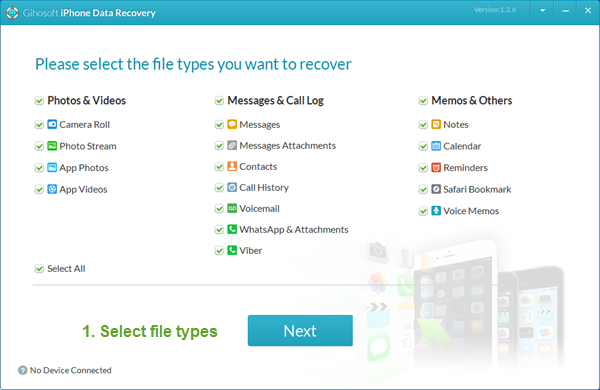
5. If you choose the mode of Manually manage music and videos, now just tick out the files you want to transfer from iTunes to iPhone and then click on Sync option to begin the file transfer process.


No comments:
Post a Comment